How to choose a passphrase you won’t forget
The passphrase is the real lock on your encrypted apps. Here is how to make one that is hard for computers and easy for you.
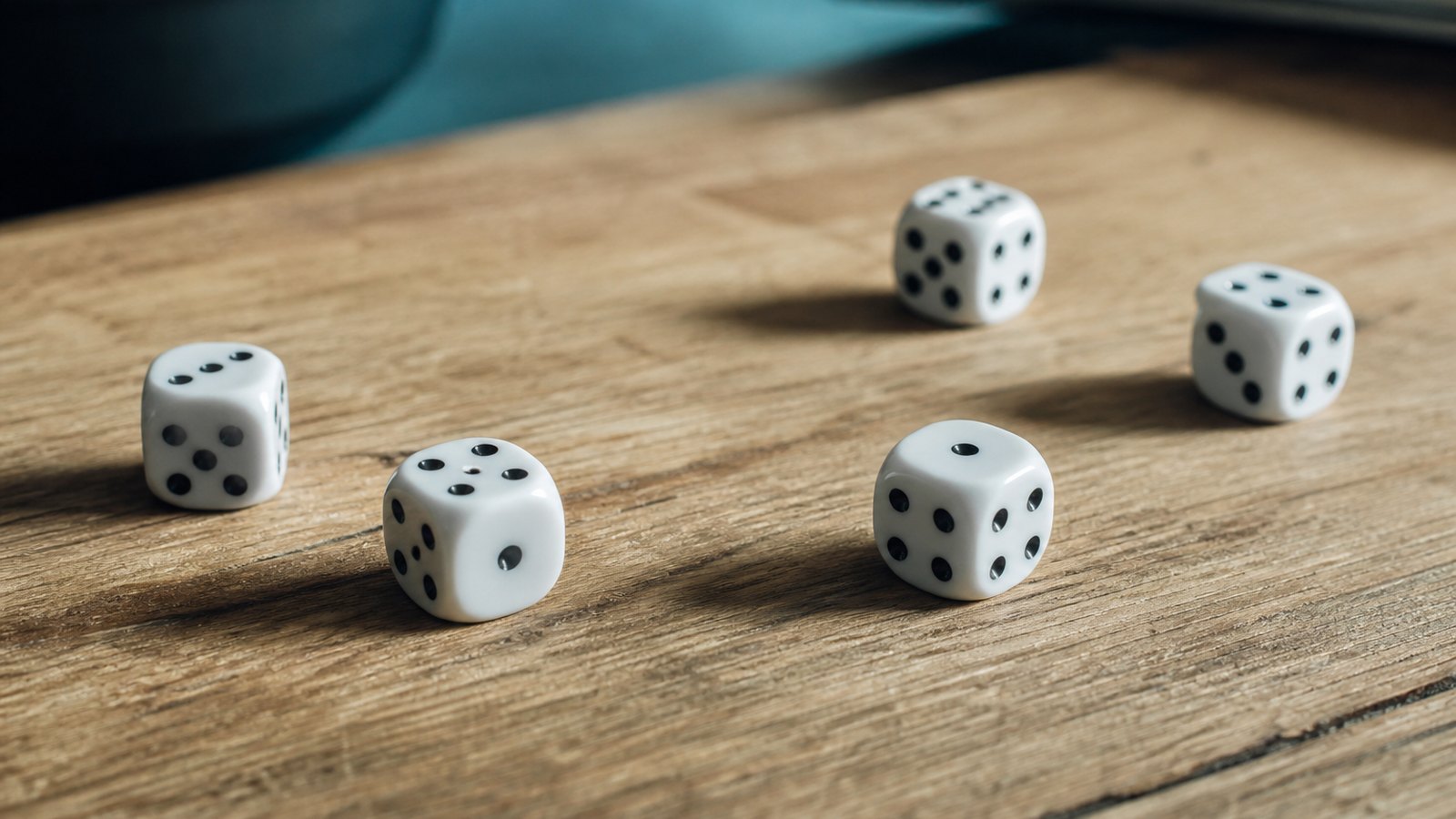
A few random words make a surprisingly strong key.
Every encryption guide ends at the same place: the cipher is unbreakable, so attackers go after your passphrase instead. That makes the passphrase the part worth getting right. The catch is the old advice — mix uppercase, numbers and symbols — produces passwords that are hard to remember and, it turns out, not that hard for computers to guess.
The better approach is counterintuitive: length beats complexity. A long passphrase made of several random words is far stronger than a short string of mangled characters, and far easier to recall.
The method
- Use four or more random, unrelated words — not a phrase from a song or book.
- Length is what defeats brute force; a longer passphrase beats a shorter complex one.
- Pick the words randomly (dice or a generator), not from your own associations.
- Use a unique passphrase for anything that matters — never reuse the important ones.
- For zero-recovery apps, back the passphrase up somewhere safe before you rely on it.
Why four random words wins
Guessing software does not try passwords at random; it tries likely ones first — dictionary words, common substitutions like "@" for "a," dates, keyboard patterns. "P@ssw0rd1" looks complex but fits those patterns exactly. Four genuinely random words, by contrast, create an enormous number of equally-likely combinations, which is precisely what makes brute force hopeless. The strength is in the randomness and the length, not the punctuation.
The key word is random. "correct horse battery staple" is famous, so it is now in every cracking list — and words you choose by hand cluster around your interests, which narrows the search. Use dice (the "diceware" method) or a password manager’s generator to pick the words for you.
Where to keep it
A strong passphrase you forget is just a locked door with no key. For most logins, the answer is a password manager that remembers everything behind one master passphrase — so you only ever memorise that one. For an app with no recovery by design, write the passphrase down and store it physically somewhere safe, like a sealed envelope at home, before you trust the app with anything important.
One master, many doors
The realistic setup for most people is one strong, memorised master passphrase guarding a password manager, which then holds long random passwords for every individual account. You memorise one thing; the manager handles the rest. For the handful of apps that hold your most sensitive material directly, give each its own strong passphrase and back those up offline. That is the whole system — boring, and very effective.
Passphrases, answered
How long should a passphrase be?+
For a master passphrase or an encrypted app, aim for four or more random words, which typically lands around 20+ characters. Length is the main lever against brute-force guessing, so longer is genuinely better here.
Are random words really safer than symbols?+
Yes, when the words are chosen randomly and there are enough of them. The number of possible word combinations is vast, while short complex passwords fall to pattern-aware guessing. Randomness and length beat surface complexity.
What if I forget a no-recovery passphrase?+
You lose access to that data — there is no reset, which is the point of zero-knowledge design. That is exactly why you should back up the passphrase offline (a written copy somewhere safe) before storing anything important in such an app.